


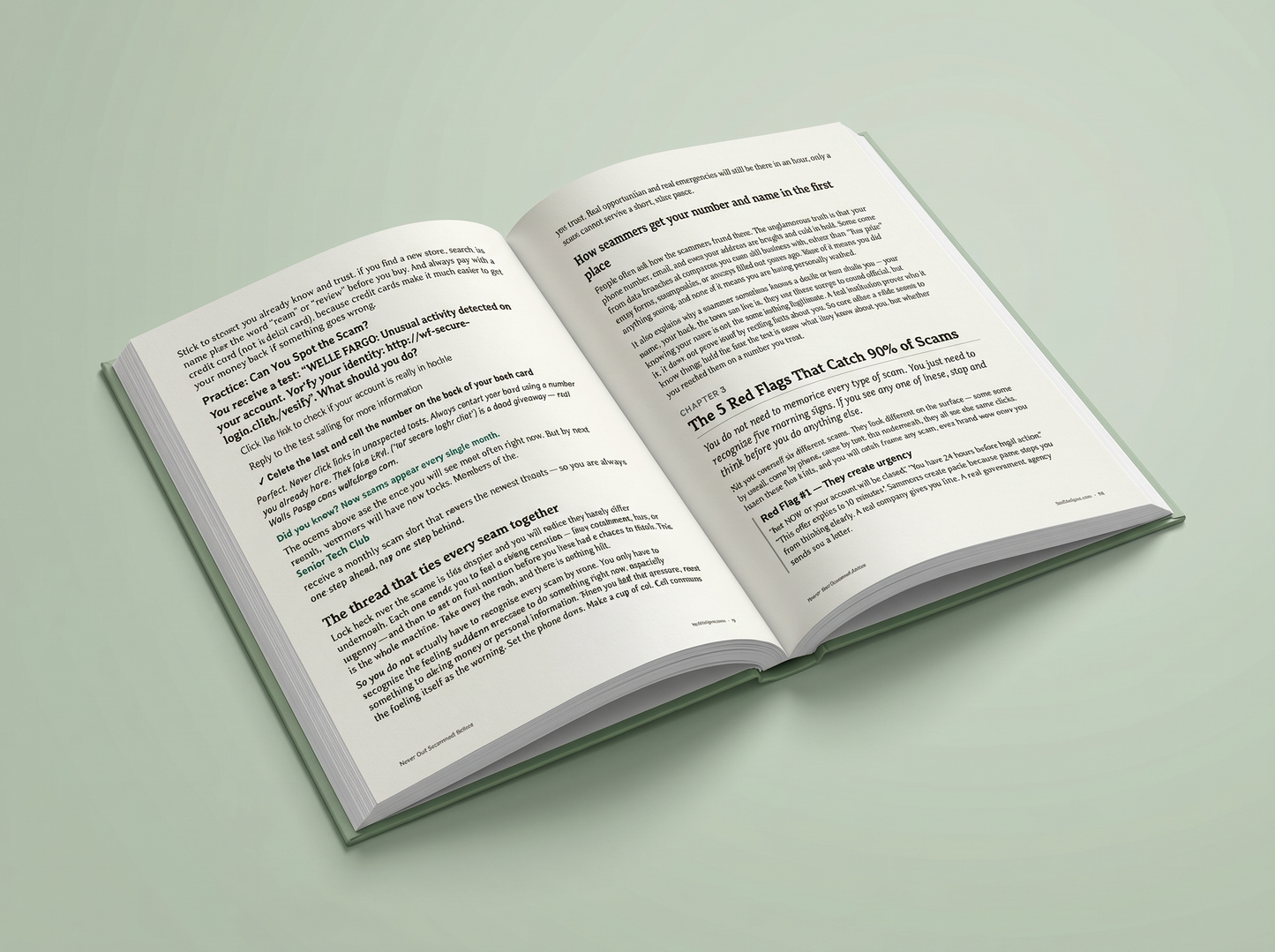
Built to make tech feel less overwhelming.
Every TechHelpUS guide is designed to be simple, practical, and useful for seniors and the families helping them.
Common questions
How do I get access?
After purchase, your digital guide will be available through your order/download access. Save it, read it, or print the pages you want nearby.
Is this made for beginners?
Yes. TechHelpUS products are written in plain English and designed for people who want clear help without confusing tech terms.
Can I buy this for a parent or family member?
Yes. These guides are great for families who want to help someone feel more confident with everyday technology.
What if it is not helpful?
We offer a 60-day money-back guarantee. If the guide does not help, contact us at hello@techhelpus.com.
Ready to make everyday tech easier?
Get instant access to Never Get Scammed Online and start with simple, practical help you can actually use.
Back to ProductOnline Safety Made Simple for Seniors
Plain-English guides that help seniors stay safe, confident & current online.

WHY FAMILIES TRUST IT
Built for Seniors by a Grandson
WHAT’S INCLUDED
Everything seniors need to stay safer online
Online Safety
Learn how to spot scams, fake texts, suspicious emails, and risky links.
Plain-English Guides
Simple step-by-step help made for seniors — no confusing tech jargon.
Printable Checklists
Quick-reference tools for passwords, scam alerts, and emergency steps.
Made for Families
Help your parent stay protected without becoming full-time tech support.
60-Day Guarantee
Try it risk-free. If it does not help, get your money back.
‘...replace with your verified quote...’
INSIDER
‘...replace with your verified quote...’
‘...replace with your verified quote...’
‘...replace with your verified quote...’
‘...replace with your verified quote...’
Reader Feedback
Families Want Simple Help Not More Tech Jargon
Clear guides, printable tools, and online safety help made for seniors and the families helping them.
That is exactly why we keep everything plain-English.
I am not great with computers, but this did not make me feel dumb. It explained what to do without all the tech talk.
The password pages are the best part. My dad finally has one place for everything instead of sticky notes all over the house.
Passwords are one of the biggest stress points for families.
I was tired of explaining the same scam warnings over the phone. I printed the checklist and put it next to my parents’ computer.
The fake text message examples helped me a lot. I have gotten messages just like that and now I know to slow down before tapping anything.
Slowing down before clicking prevents a lot of problems.
This is the first tech guide I have seen that feels like it was actually made for older people. Big win.
I like that everything is in one place. Searching random articles online was making my parents more confused, not less.
One clear starting point beats endless searching.
The phone basics guide helped me clean up settings I was scared to touch. Very clear and not overwhelming.
Finally something I can hand to my husband that does not look like a computer manual.
My mom lives alone and I worry about scam calls and emails. This gave us a simple plan instead of just hoping she remembers.
That family peace-of-mind angle is exactly why this exists.
Very organized. I liked the checklists more than long chapters because I can go back to them quickly.
The emergency contacts worksheet is a smart idea. I printed it for my fridge and gave a copy to my daughter.
Those pages are made to be used, not just read once.
This is exactly what my dad needed. Simple, direct, and not embarrassing for him to use.
I learned to stop and check the sender before clicking links. Sounds basic, but nobody had explained it this clearly to me before.
Online safety felt scary before. This made it feel manageable. I especially liked the “what to do if something feels wrong” parts.
Online safety should feel doable, not scary.
I got the bundle for my grandma. The printable checklists made it easier for her than trying to remember everything from a phone call.
Bought this for my mom after she almost clicked a fake bank text. The examples were simple enough that she actually understood what to look for.